 Learn Me AI
Chat With Your Documents in One AI Knowledge Base
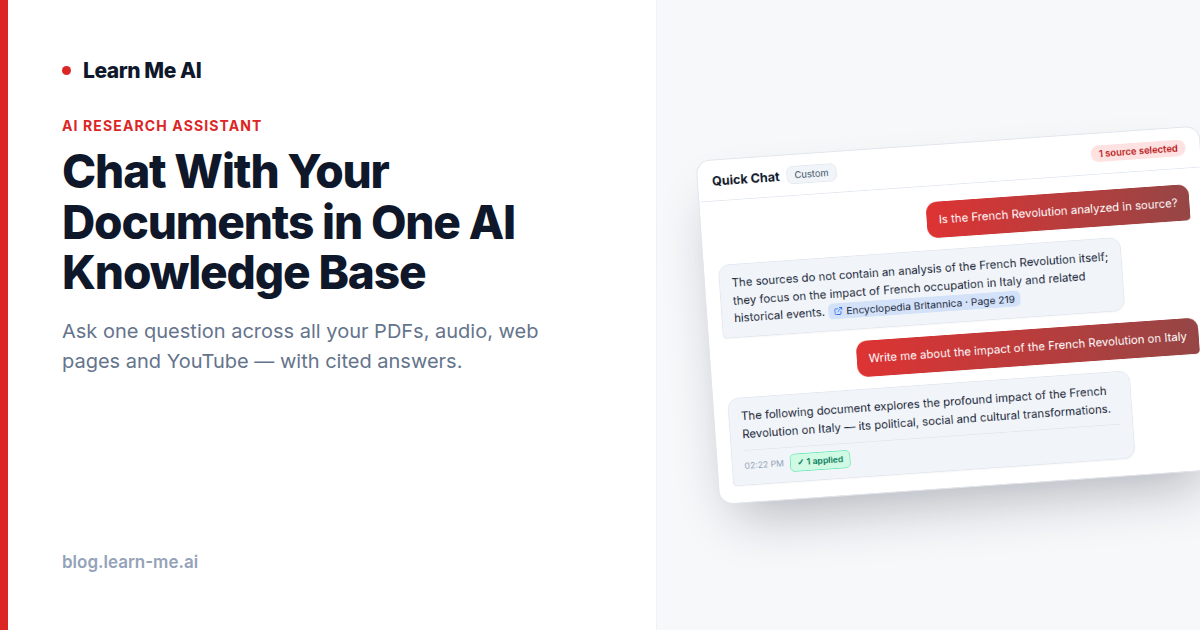
If your research lives in a dozen PDFs, a folder of meeting recordings, a stack of saved web pages and a few YouTube lectures, finding one answer means opening files one by one until you stumble onto it. It is slow, and it is easy to miss the thing that mattered. The better way is to chat with your documents directly: ask a single question in plain language and get an answer drawn from everything you’ve collected, with citations pointing back to the exact source. That is the core of what Learn Me AI does, and this guide explains how it works and how to start.
Why “chat with your documents” beats searching files one by one
Traditional search makes you do the work. You guess the right keyword, scan results, open a file, skim, fail, and try a different keyword. Worse, if you saved a slide deck as a PDF, a podcast as audio and an article as a web page, those sources don’t talk to each other at all. The answer you need might be split across three formats, and no single search box covers them.
When you chat with your documents in one place, that friction disappears. You ask one question and get an answer pulled from all of your material at once, instead of hunting through files individually. The system reads across your whole library and assembles a response, so the work of cross-referencing happens for you.
How an AI knowledge base reads across everything at once
Two things make this possible: a unified AI knowledge base and semantic search.
One workspace for every source type
Learn Me AI lets you bring all of your material into a single searchable workspace:
- PDFs — reports, papers, manuals, slide decks.
- Text — notes, pasted content, documents.
- Audio — recordings and podcasts, automatically transcribed so you can search what was said.
- Web pages — articles and references you’ve collected.
- YouTube videos — talks and tutorials, brought in alongside the rest of your web sources.
Once they’re in, the format stops mattering. A question can be answered from an audio transcript and a PDF in the same breath, because everything sits in the same knowledge base.
Semantic search finds meaning, not just matching words
Keyword search only finds the words you typed. Semantic search understands context and meaning across your whole library, so you find what you mean even when your phrasing doesn’t match the source. Ask about “cutting cloud costs” and it can surface a passage about “reducing infrastructure spend,” because it understands the two are related. This is what makes it practical to chat with multiple PDFs and mixed media without memorizing anyone’s exact wording.
Who it’s for and what people use it for
Anyone juggling more sources than they can hold in their head benefits from one place to chat with your documents:
- Researchers and analysts synthesizing findings across papers, datasets and interviews.
- Students turning lecture recordings, textbooks and articles into answerable study material.
- Writers and journalists pulling quotes and facts from interviews, reports and background reading.
- Consultants and teams building a shared, searchable base of client documents and notes.
- Anyone learning a new topic who wants to ask questions instead of re-reading everything.
The common thread is volume: too much material, scattered across too many formats, to read end to end every time you have a question.
How to chat with your documents in Learn Me AI
Getting started takes a few minutes:
- Try it with no sign-up first. Quick Chat lets you start a conversation instantly so you can see how it feels before committing.
- Create a knowledge base. Sign up free — no credit card required — and make a workspace for your project or topic.
- Add your sources. Upload PDFs and text, drop in audio to be transcribed, and add web pages and YouTube links. Mix formats freely.
- Ask your question. Type what you actually want to know, in plain language, and let semantic search do the cross-referencing.
- Check the citations. Every answer points back to the sources it came from, so you can verify and dig deeper.
- Publish when you’re ready. Turn your findings into a polished post and send it straight to WordPress or Ghost.
Why Learn Me AI’s approach is different
Plenty of tools can answer questions, but few keep you grounded in your material. Learn Me AI is built so answers are tied to the sources you uploaded, with citations you can click. That matters because an answer you can’t trace is an answer you can’t trust. Our approach to cited, source-grounded answers reduces hallucinations by anchoring every response to real passages from your knowledge base.
The other difference is breadth. Instead of one tool for PDFs and another for transcripts, Learn Me AI brings every source type into a single workspace and lets you chat across all of it. It’s available as a free plan with no credit card, on iOS, macOS, Android and Windows, and it backs that up with SOC 2 security for the material you trust it with. Beyond chat, you can build embeddable chatbots, wire up function-call tools, and set up automated topic monitoring so your knowledge base keeps growing on its own.
Frequently asked questions
Can I chat with multiple PDFs at the same time?
Yes. Add as many PDFs as you like to one knowledge base and ask a single question — the answer is drawn from all of them at once, so you never open files one by one.
What types of sources can I add to my AI knowledge base?
PDFs, plain text, audio (automatically transcribed), web pages and YouTube videos, all in one searchable workspace where the format no longer matters once a source is added.
How is this different from keyword search?
Semantic search understands context and meaning, not just exact words. It finds what you mean across your whole library, even when your phrasing differs from the wording in the source.
Do I need an account to try it?
No. Quick Chat lets you try it instantly with no sign-up, and the full free plan requires no credit card when you’re ready for your own knowledge base.
Try Learn Me AI free
Turn your PDFs, audio, web pages and YouTube videos into one AI you can chat with — get cited answers and publish the result. No credit card needed.
Get started free →Keep reading
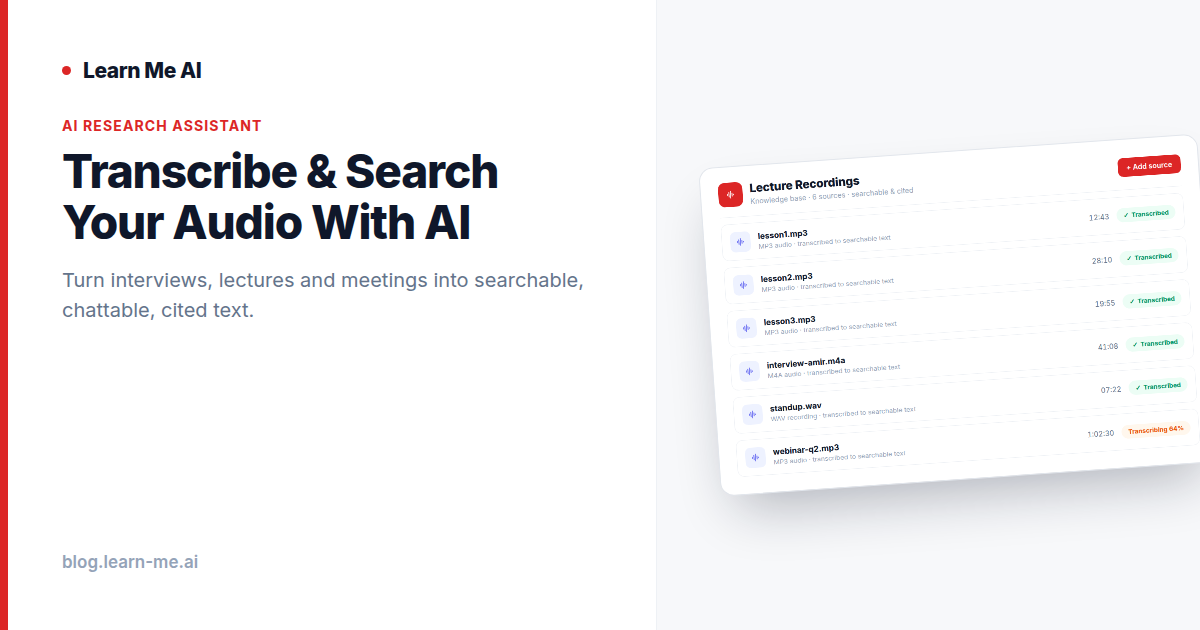
Transcribe and Search Audio With AI Instantly
Transcribe and search audio with AI: turn interviews, lectures and meetings into searchable, chattable text with cited answers. Free, no credit card.
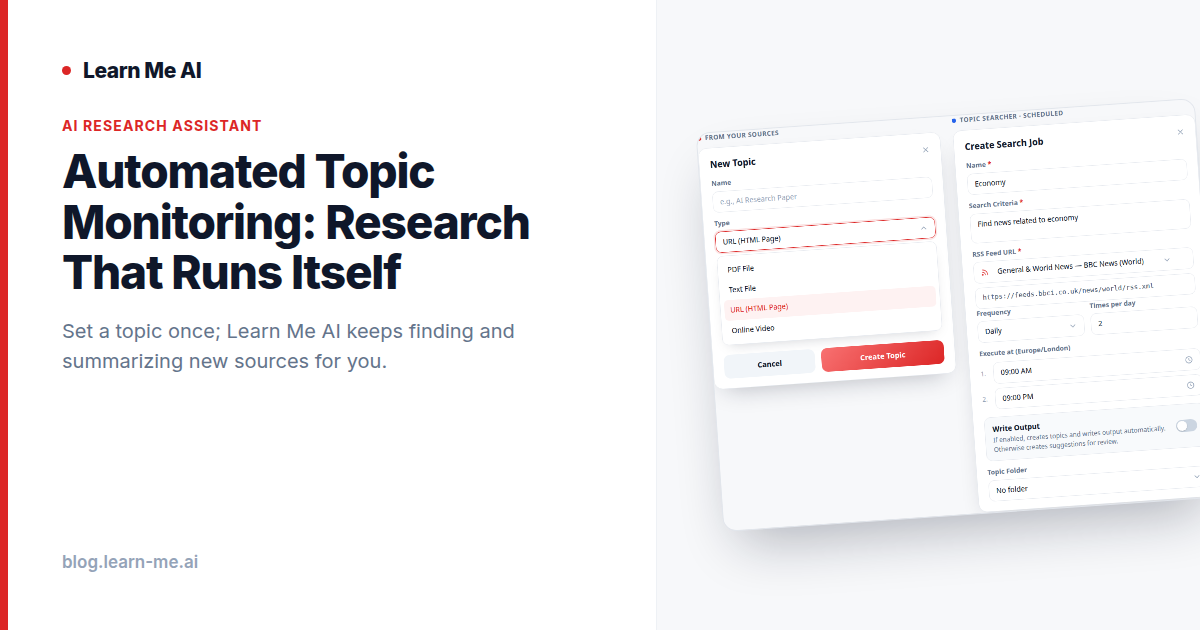
Automated Topic Monitoring: Research That Runs Itself
Automated topic monitoring keeps your knowledge base current. Track a subject, let AI pull fresh articles and videos on a schedule, then analyze it in chat.
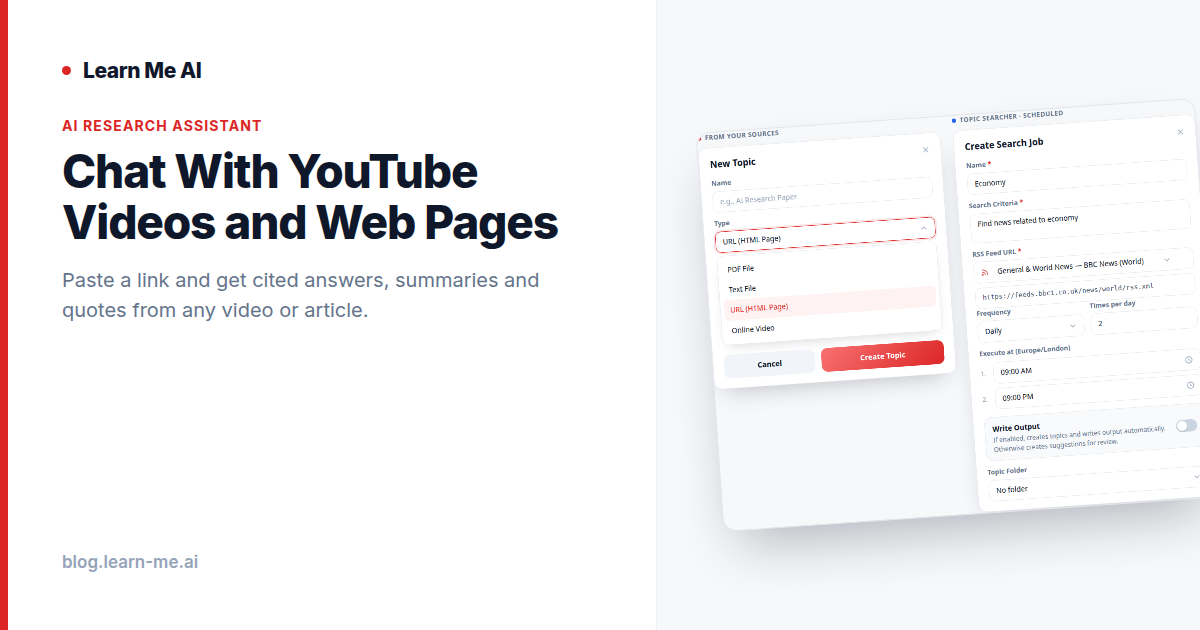
Chat With YouTube Videos and Web Pages, Instantly
Learn how to chat with YouTube videos and web pages using AI. Paste a URL, get cited answers, summaries, and quotes alongside your other sources.