 Learn Me AI
Publish AI Content to WordPress & Ghost in Minutes
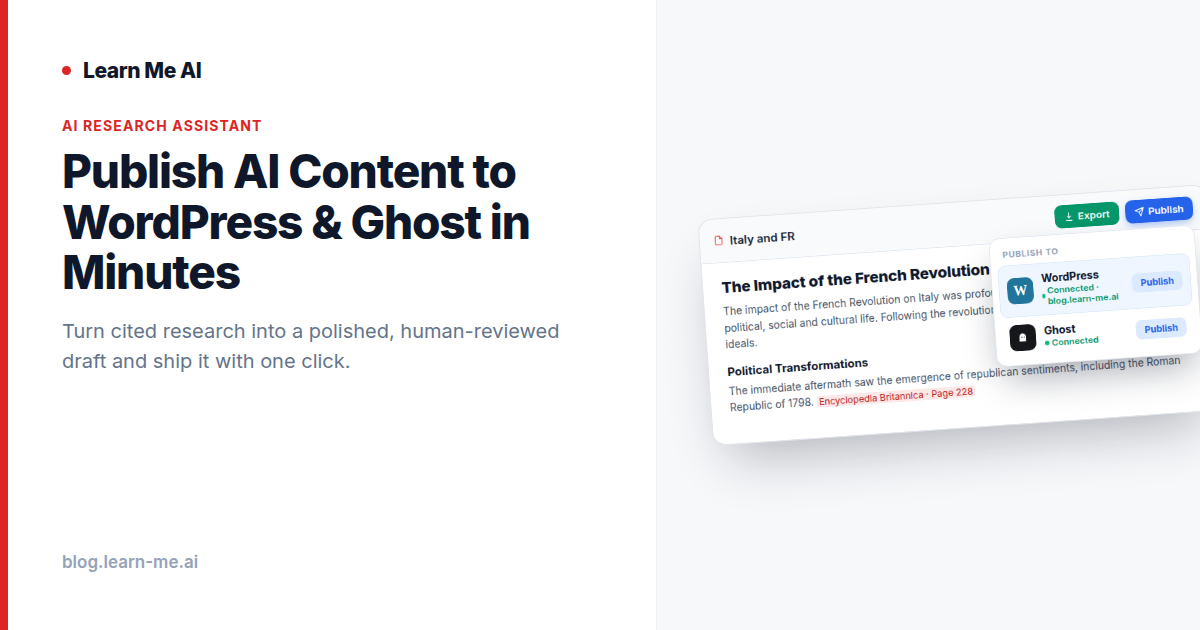
You can use AI to research a topic, ask questions, and get a wall of useful answers — and then what? For most teams, the answer is a frustrating round of copy-pasting, reformatting, and rewriting before anything reaches a live page. The ability to publish AI content to WordPress or Ghost directly from your research is exactly the step that most tools skip. Learn Me AI closes that gap: you bring your sources, chat to understand them, shape a draft, edit it, and push it live — without leaving the app.
The gap: most AI tools stop at chat
Plenty of AI document tools are great at one thing — answering questions about your files. You upload a PDF, ask what it says, and move on. But a chat transcript is not a finished piece of content. It lives in a conversation window, it’s unstructured, and it usually has no path to your actual publishing platform. So the “last mile” — turning insight into something you can ship — lands back on you.
That last mile is where the real time goes. You reformat, you restructure, you re-check the facts, you fight with your CMS. Learn Me AI is built around a simple position: most AI document tools stop at chat. We finish the job. The goal is to take you from raw sources all the way to a published, up-to-date post.
How publishable outputs and one-click publishing work
The bridge between chat and a live page is what Learn Me AI calls outputs. Instead of leaving your best answers trapped in a conversation, you turn any chat into a reusable, structured draft — a brief, an article, or an outline you can actually edit and ship. These aren’t throwaway summaries; they’re proper content objects with headings and structure that map cleanly onto a blog post.
Once a draft reads the way you want, you connect your site and publish. Learn Me AI lets you publish AI-generated outputs directly to WordPress or Ghost with a single click. There’s no exporting to a doc, no reformatting, no separate paste-and-pray step. You go from research to a live post in minutes, inside one tool. If you’re publishing to Ghost, the flow is identical — the same draft, the same one click.
The research that feeds those drafts comes from your own material. Learn Me AI lets you chat with PDFs, audio, web pages, and YouTube in one place, so the content you publish is built on sources you chose, not the open internet.
Who this is for
Anyone whose job is “research something, then write something about it” benefits from collapsing those two steps:
- Content marketers turning product docs, reports, and interviews into blog posts and briefs.
- Bloggers and solo creators who want to turn research into blog posts without juggling five tabs.
- Comms and internal teams producing explainers, FAQs, and announcements grounded in approved source material.
- Agencies managing multiple client sites who need a fast, repeatable path from research to a published article.
Step by step: from sources to a published article
Here’s the full path, and notice that a human stays in control the whole way through.
- 1. Add your sources. Bring in PDFs, audio, web pages, and YouTube videos. They become one searchable, cited knowledge base.
- 2. Chat to understand. Ask questions and get cited, source-grounded answers so you can see exactly where each claim comes from.
- 3. Generate a draft. Turn the conversation into a structured output — a brief, an outline, or a full article.
- 4. Edit and review. This is the non-negotiable part. You read it, check the citations, tighten the voice, cut what’s off, and add your own judgment.
- 5. Publish. Connect WordPress or Ghost and push the finished draft live with one click.
If your topic moves quickly, you can also keep your sources fresh with automated topic research and monitoring, so the next draft starts from current material rather than stale notes.
Why source-grounded drafts beat generic AI writing
There’s a meaningful difference between a draft built from your cited sources and text spun up by a general model with no idea what it’s talking about. Generic AI writing tends to be confidently vague — it sounds fluent but invents specifics, and you can’t trace anything back to a source. That’s how spammy, low-trust content gets made, and it’s the opposite of what we’re after.
Learn Me AI’s drafts are grounded in the documents you added, with citations you can follow. That means the editing step is about judgment, not damage control — you’re refining real, attributable material instead of fact-checking hallucinations from scratch.
This is also why we frame these outputs as human-reviewed drafts, not auto-published content. The point isn’t to flood the web with machine text on autopilot. It’s to give a person who already knows their subject a faster path from research to a finished post they can genuinely stand behind. You publish it because you’ve read it, checked it, and you mean it.
Frequently asked questions
Can I really publish AI content to WordPress with one click?
Yes. Once you connect your WordPress site, you publish a finished output directly from Learn Me AI with a single click — no exporting, reformatting, or copy-pasting. The same flow works for publishing AI content to Ghost.
Is the published content just raw AI output?
No, and it shouldn’t be. The intended workflow is research, draft, then a human edit and review before you publish. The drafts are grounded in your own cited sources, so your review is about polishing and approving — not cleaning up invented facts.
What kinds of outputs can I create?
You can turn chats into reusable drafts, briefs, outlines, and full articles — structured content you can edit and ship. Each one is built from the sources you added to your knowledge base.
Does this work beyond blog posts?
The publishing integration targets WordPress and Ghost, but the same research-to-draft engine produces briefs and structured content you can reuse elsewhere. You can even put your knowledge base to work as an embeddable AI chatbot on your website .
Try Learn Me AI free
Turn your PDFs, audio, web pages and YouTube videos into one AI you can chat with — get cited answers and publish the result. No credit card needed.
Get started free →Keep reading
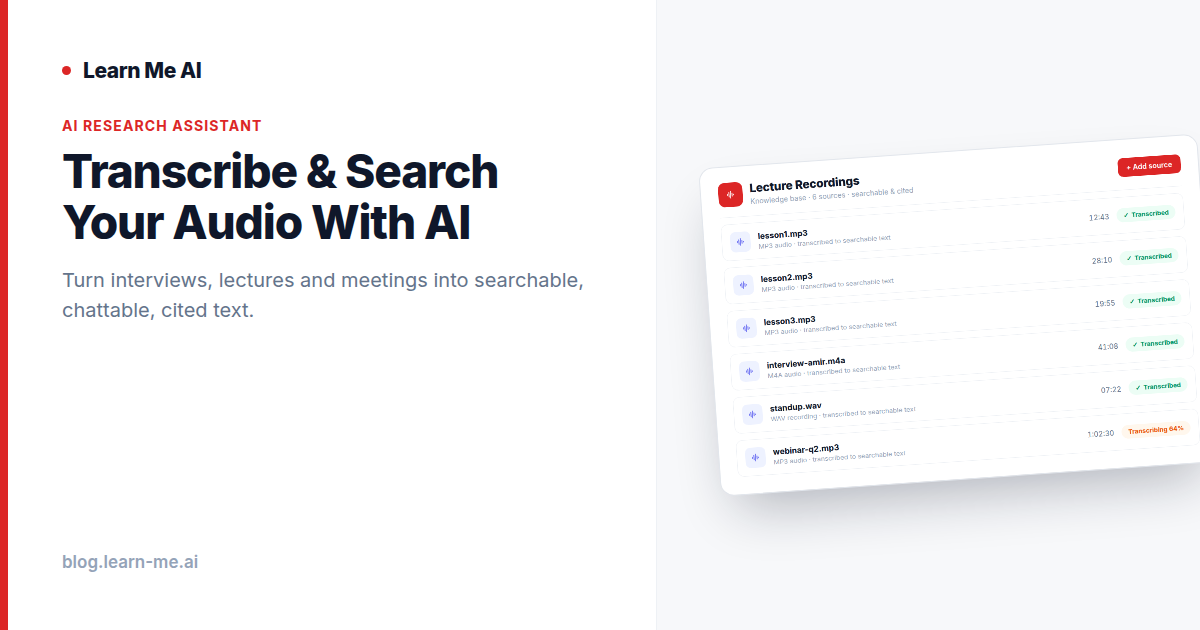
Transcribe and Search Audio With AI Instantly
Transcribe and search audio with AI: turn interviews, lectures and meetings into searchable, chattable text with cited answers. Free, no credit card.
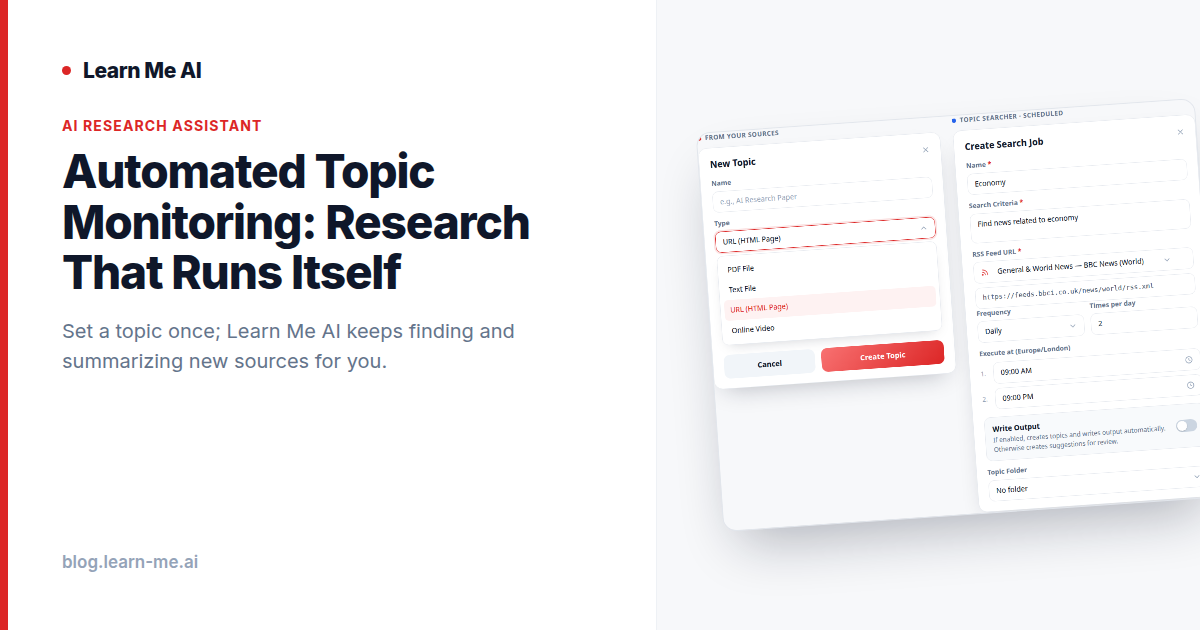
Automated Topic Monitoring: Research That Runs Itself
Automated topic monitoring keeps your knowledge base current. Track a subject, let AI pull fresh articles and videos on a schedule, then analyze it in chat.
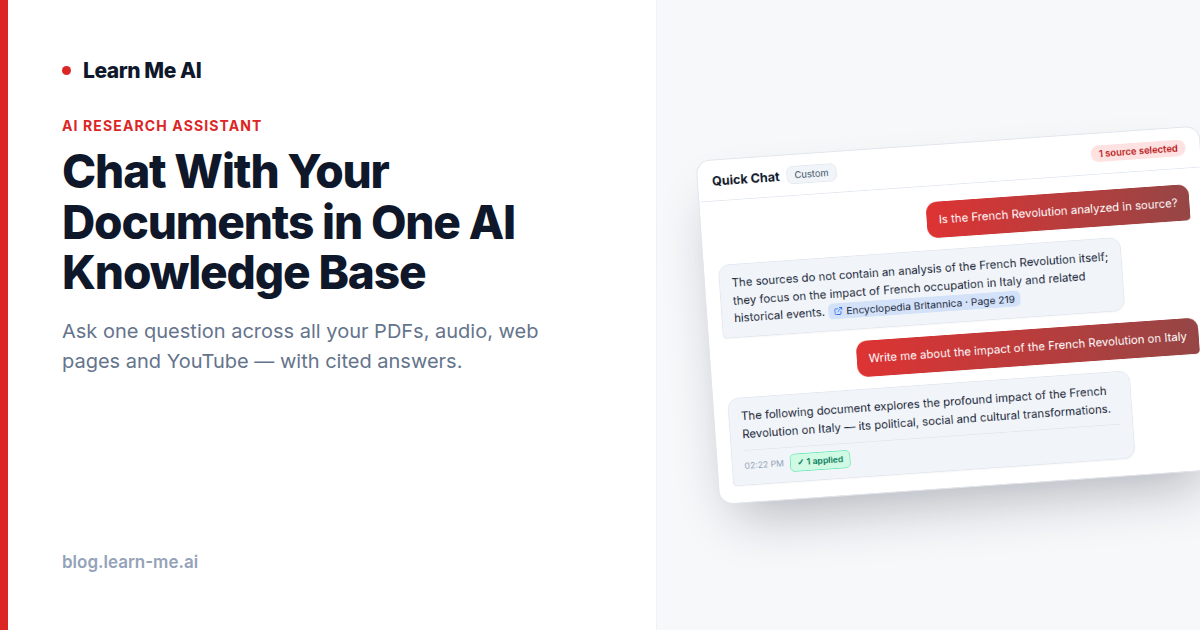
Chat With Your Documents in One AI Knowledge Base
Chat with your documents across PDFs, audio, web pages and YouTube in one AI knowledge base. Ask once, get cited answers from all your sources at once.