 Learn Me AI
Learn Me AI vs NotebookLM: Which Research Tool Actually Ships Your Work?
NotebookLM — now folded into Google as Gemini Notebook — is probably the most hyped AI research tool right now. You drop in PDFs, videos, YouTube links or web pages, and chat with them to get answers grounded in your sources. Learn Me AI does that too. So what’s the real difference?
The short version: NotebookLM helps you read your sources. Learn Me AI helps you read them and ship the result — it writes and edits a finished document for you, then publishes or exports it. Here’s the same workflow run side-by-side on both tools:
What they have in common
Credit where it’s due — the fundamentals overlap, and NotebookLM does them well:
- Add PDFs, documents, web pages, YouTube videos and audio as sources.
- Chat with your sources and get answers grounded in them, with citations.
- Click a citation to open the source at the exact page and verify it.
NotebookLM is polished, free, backed by Google, and its Audio Overview (a generated two-host podcast about your sources) is a genuinely nice touch — Learn Me AI can narrate your own finished document to audio, but it doesn’t generate that podcast. If all you want is to chat with documents and listen to a summary, it’s great.
Where Learn Me AI goes further
1. It writes and edits a full document — not just chat
This is the big one. In Learn Me AI, flip to Edit mode and the AI writes a complete document for you — in the video, a multi-page piece on the impact of the French Revolution on Italy — and it can make corrections and edits to that document, which you accept or reject line by line. It’s a real writing assistant working on your draft.
NotebookLM has nothing equivalent. The most you can do is save a chat response as a note — there’s no AI writing or editing of a document you’re building.
2. It publishes and exports your work
Once your document is written, Learn Me AI takes it the last mile:
- Publish straight to WordPress or Ghost — connect your CMS and post it.
- Export to PDF or Word, with headers, footers, a separator line, page numbers and a title page you can customize.
- Export to audio — turn your finished document into a narrated audio file you can listen to on the go.
In NotebookLM your work stays inside NotebookLM as notes — there’s no publishing to a CMS and no formatted document export.
3. A progress bar while your sources learn
When Learn Me AI is processing your sources, it shows a progress bar with how many are done — genuinely useful when you upload tens or hundreds of documents and want to know where things stand. (Neither tool promises an exact ETA, but Learn Me AI at least shows the count as it works; NotebookLM shows no progress at all.)
4. Control how much effort goes into an answer
Learn Me AI lets you dial the effort / detail level of a response up or down, so you can trade speed for depth when you need to.
5. …and a lot more
The video only scratches the surface — Learn Me AI does a lot that NotebookLM simply isn’t built for:
- Create custom AI chatbots trained on your knowledge base, and embed them on your own website or app.
- Automated topic research — have the AI research and analyze a topic against your knowledge base, and keep it up to date.
- Semantic search across your whole library — find the exact passage by meaning.
- Scan physical books with your phone to turn them into a searchable knowledge base.
- Publish to WordPress or Ghost, and export your work to PDF, Word or audio.
There’s far more than fits in one comparison. Learn about the features on our blog → or try them yourself, free →
Feature comparison
| Feature | Learn Me AI | NotebookLM |
|---|---|---|
| Chat with your sources (PDF, video, YouTube, URLs) | ✅ | ✅ |
| Cited answers, open source at exact page | ✅ | ✅ |
| Progress bar while sources are learning | ✅ | ❌ |
| Adjustable answer effort / detail | ✅ | ❌ |
| AI writes a full document for you | ✅ | ❌ |
| AI edits & corrects your document | ✅ | ❌ (save response as a note only) |
| Export your document to PDF / Word / audio | ✅ | ❌ |
| Publish to WordPress / Ghost | ✅ | ❌ |
| Custom AI chatbots, embeddable on your site | ✅ | ❌ |
| Scan physical books (mobile OCR) | ✅ | ❌ |
| AI audio output | ✅ (narrates your finished document as an audio file) | ✅ (two-host podcast about your sources) |
| Free to start | ✅ | ✅ |
Which one should you use?
Honestly, it depends on what you’re doing:
- Choose NotebookLM if you want a free, polished tool to chat with documents and listen to an audio overview — reading and understanding sources.
- Choose Learn Me AI if you need to go from research to a finished, published output — write the document, edit it with AI, and publish or export it — plus build chatbots and search your whole library.
If your work ends at “I understood the material,” NotebookLM is plenty. If it ends at “I shipped the piece,” that’s where Learn Me AI is built to take you — which makes it a strong NotebookLM alternative for anyone who writes. See the full feature-by-feature comparison for every difference, animated.
See it for yourself
Learn Me AI is free to start — no credit card needed. Add a source, ask a question, then let it write the document for you.
Frequently asked questions
Is Learn Me AI a good NotebookLM alternative?
Yes — it covers what NotebookLM does (chat with your sources, cited answers, open the exact page) and adds the parts NotebookLM lacks: AI that writes and edits full documents, one-click publishing to WordPress or Ghost, PDF/Word/audio export, custom embeddable chatbots, and semantic search. It’s built for people who need to go from research to a finished, published piece.
What can Learn Me AI do that NotebookLM can’t?
Write and edit a complete document with AI (not just save chat responses as notes), publish that document to WordPress or Ghost, export it to formatted PDF, Word or audio, show a progress bar while sources learn, adjust answer effort, build embeddable AI chatbots, and scan physical books with your phone.
What is NotebookLM better at?
NotebookLM’s Audio Overview — a generated two-host podcast about your sources — is a standout feature Learn Me AI doesn’t match. Learn Me AI can narrate your own finished document to audio, but it doesn’t generate a podcast. NotebookLM is also a free, polished, Google-backed tool for reading and chatting with documents.
Do both tools cite their sources?
Yes. Both give grounded answers with citations, and both let you click a citation to open the original source at the exact page.
Is Learn Me AI free?
Yes, Learn Me AI has a free plan and you can try it without a credit card. Paid plans add higher limits and capacity.
Try Learn Me AI free
Turn your PDFs, audio, web pages and YouTube videos into one AI you can chat with — get cited answers and publish the result. No credit card needed.
Get started free →Keep reading
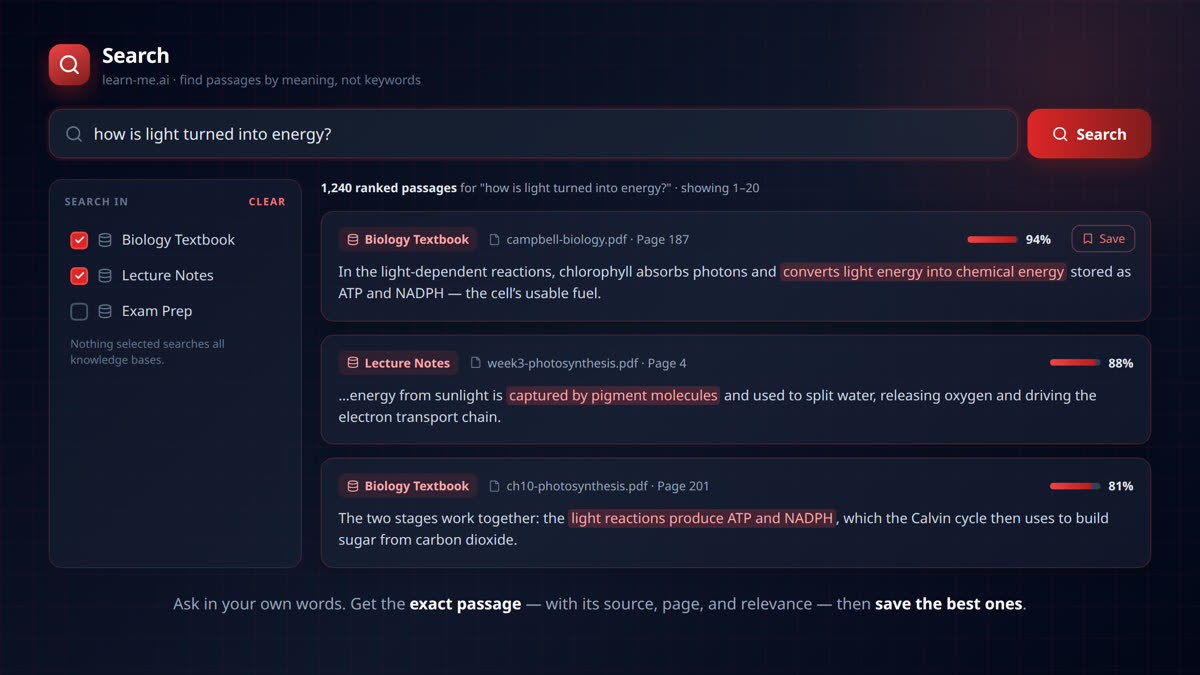
Find the Exact Passage: Semantic Search Across Your Whole Knowledge Base
Search your documents by meaning, not keywords. learn-me.ai finds the exact passage across all your sources — with page numbers, relevance scores, and one-click saving.
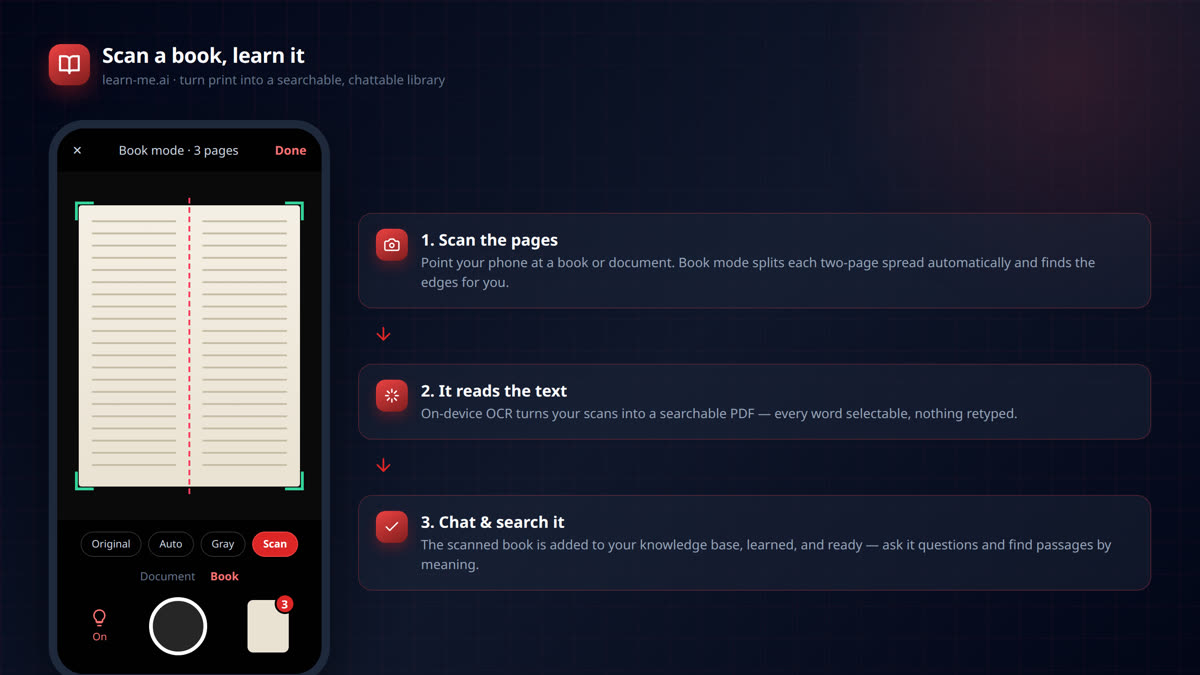
Scan Any Book With Your Phone and Chat With It
Scan any book or document with your phone and turn it into a searchable AI you can chat with. On-device OCR, two-page book mode, and instant learning in learn-me.ai.
Listen to Your Documents: Export Your Work to Audio
Export any document you write in Learn Me AI to a narrated audio file. Turn your research into audio you can listen to on the commute, at the gym, or to proofread by ear. Free to try.