 Learn Me AI
Listen to Your Documents: Export Your Work to Audio
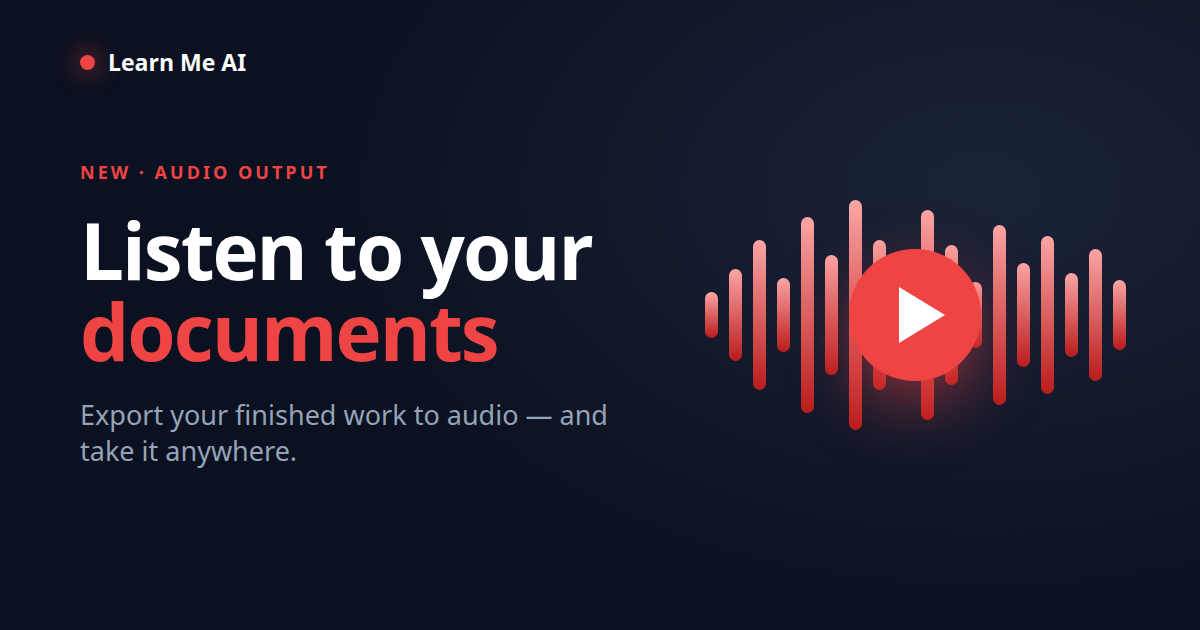
You spent hours turning a pile of sources into a finished document — a report, an essay, a summary, a script. Then it just sits on a screen, waiting to be read. Audio output in Learn Me AI changes that: export any document you’ve written into a narrated audio file and listen to it anywhere — on your commute, at the gym, or while you make dinner. Your research doesn’t have to stay chained to a screen.
Reading was the only way to use your own work — until now
Every step in the research-to-writing pipeline quietly assumes one thing: that you’ll read the result. But reading is screen-bound and single-tasking. To review a draft you have to sit down and look at it. To proofread it you have to scan the same text your eyes have already glazed over. And the moment you step away from the screen — into a car, a gym, a kitchen — the work becomes inaccessible.
That’s a lot of otherwise-usable time left on the table. Most people have hours a week when their eyes are busy but their ears are free. Audio output is about giving your finished work back to you in a form you can actually use in those moments.
How audio output works
Once the AI has written your output in Learn Me AI, turning it into audio is a single step — the same menu you use to export to PDF or Word. Learn Me AI reads your document aloud in a natural-sounding voice and gives you an audio file you can play in the app or download and take with you. There’s nothing to configure and no separate tool to paste your text into: your finished document goes straight from written to spoken.
Because it narrates the document you actually wrote — not a generated summary — what you hear is your work, in your words, in the order you wrote it.
What people actually use it for
- Proofread by ear. Awkward phrasing, repeated words and clunky sentences are far easier to catch when you hear them than when you re-read text you’ve already stared at ten times.
- Review on the move. Listen to your report on the commute or your essay on a walk, and arrive already knowing what needs another pass.
- Study by listening. Turn a summary or a set of notes into a listen-along you can revise from on repeat before an exam or a presentation.
- Multitask. Consume long documents while your hands and eyes are busy with something else.
- Accessibility. Make your documents usable for people who prefer or need to listen rather than read.
The full loop: from sources to something you can listen to
Audio output is the last step of a pipeline Learn Me AI already runs end to end: upload your sources, chat across them for cited answers, let the AI write and edit a full document, then export it — to PDF, to Word, straight to WordPress or Ghost, and now to audio.
There’s a neat symmetry to it, too. Learn Me AI already lets you transcribe audio into your knowledge base — drop in an interview or a lecture and it becomes searchable text. Audio output closes the loop by turning your finished work back out into audio. Sound in, research in between, sound out.
It’s not the same as an AI podcast
If you’ve tried NotebookLM’s Audio Overview, this is a different thing — and, for your own work, arguably a more useful one. NotebookLM generates a two-host podcast about your sources: a summary, in someone else’s voices, of material you fed in. Learn Me AI narrates your own finished document, word for word. One is a discussion someone else wrote about your material; the other is your actual writing, read aloud. If you want to see how the two tools compare across the whole workflow, read the full Learn Me AI vs NotebookLM comparison.
Try it
Do your research, let the AI write it up, then press play. Try Learn Me AI free → — no credit card — or browse more features on the blog →.
Frequently asked questions
What is audio output in Learn Me AI?
It turns a document you’ve written in Learn Me AI into a narrated audio file. After you research your sources and the AI writes your output, you can export that finished document to audio and listen to it, instead of only reading it on screen.
How is this different from NotebookLM’s Audio Overview?
NotebookLM’s Audio Overview generates a two-host podcast about your sources — a summary in someone else’s words. Learn Me AI’s audio output narrates your own finished document, word for word. One is a generated discussion of your material; the other is your actual work, read aloud.
What can I turn into audio?
Any output you create in Learn Me AI — a report, an essay, a summary, a script, meeting notes, a study guide. Once the document is written, exporting it to audio is one step, the same as exporting to PDF or Word.
Why would I listen instead of read?
Because reading is screen-bound and single-tasking. Audio lets you review your work on a commute, at the gym or while cooking, proofread by ear to catch awkward phrasing you miss on screen, and makes your documents accessible to people who prefer or need to listen.
Is audio output free?
You can try Learn Me AI free, with no credit card. Paid plans add higher limits and capacity as your knowledge base and usage grow.
Try Learn Me AI free
Turn your PDFs, audio, web pages and YouTube videos into one AI you can chat with — get cited answers and publish the result. No credit card needed.
Get started free →Keep reading
Learn Me AI vs NotebookLM: Which Research Tool Actually Ships Your Work?
Learn Me AI vs NotebookLM — both chat with your sources and cite answers, but Learn Me AI writes and edits full documents, then publishes and exports them. A hands-on comparison.
Scan Any Book With Your Phone and Chat With It
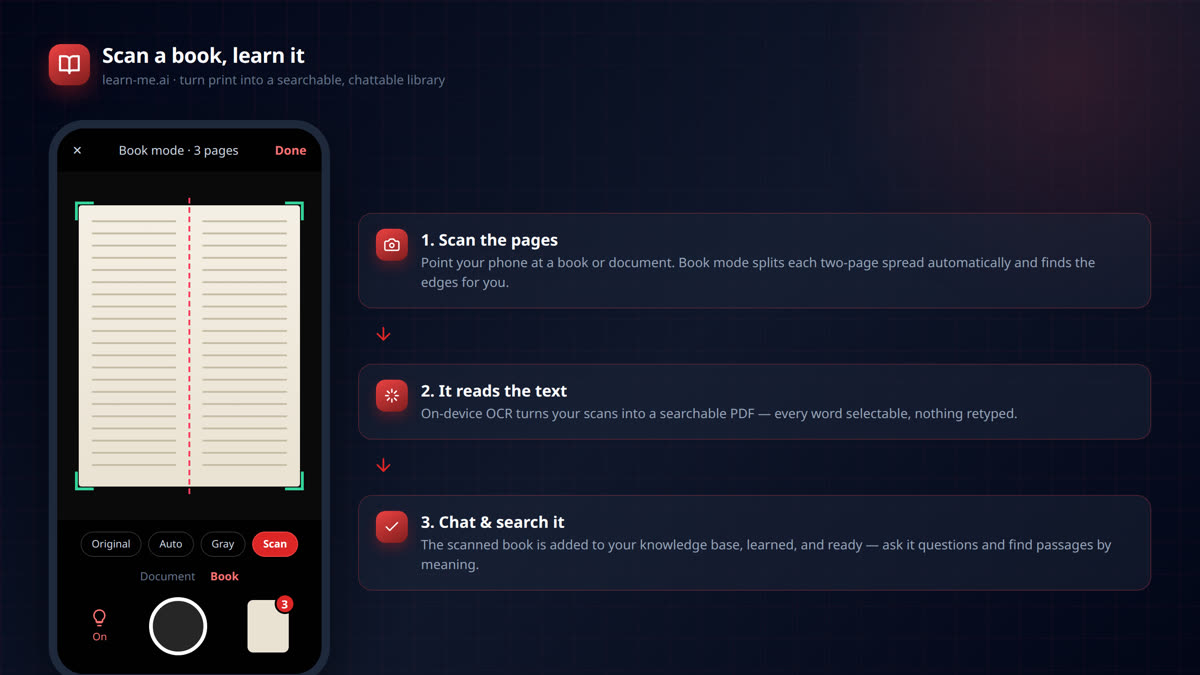
Scan any book or document with your phone and turn it into a searchable AI you can chat with. On-device OCR, two-page book mode, and instant learning in learn-me.ai.
Find the Exact Passage: Semantic Search Across Your Whole Knowledge Base
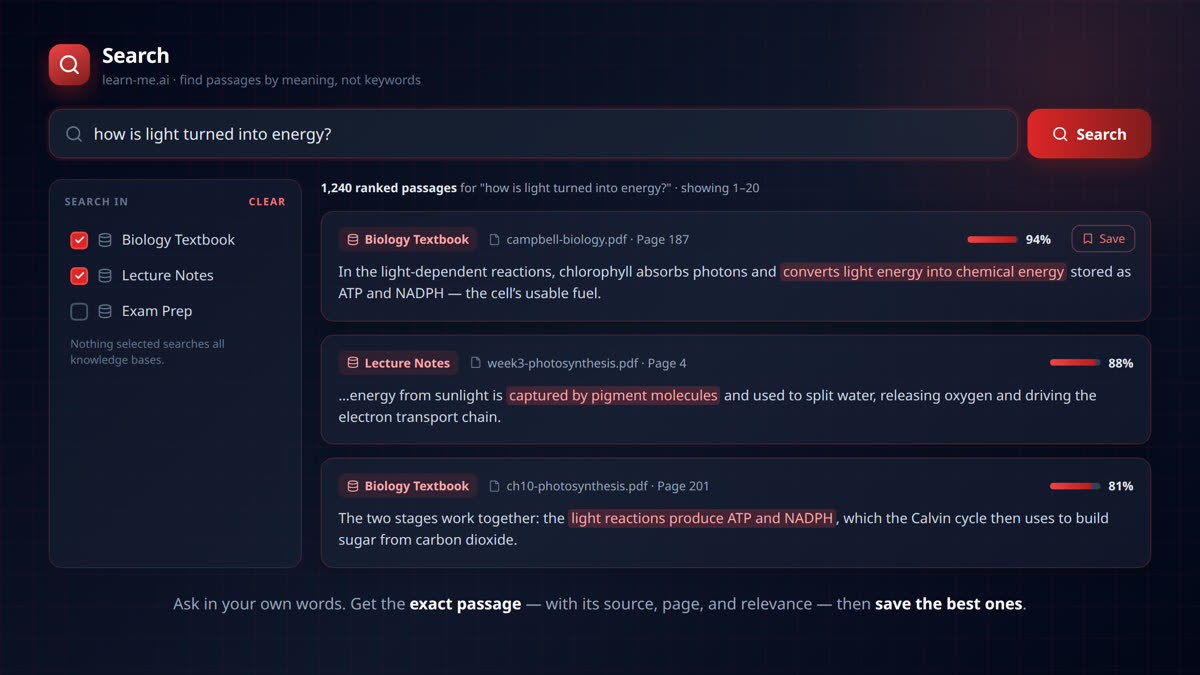
Search your documents by meaning, not keywords. learn-me.ai finds the exact passage across all your sources — with page numbers, relevance scores, and one-click saving.